Sprite Lab
A downloadable tool for Windows
Bring your artwork to life
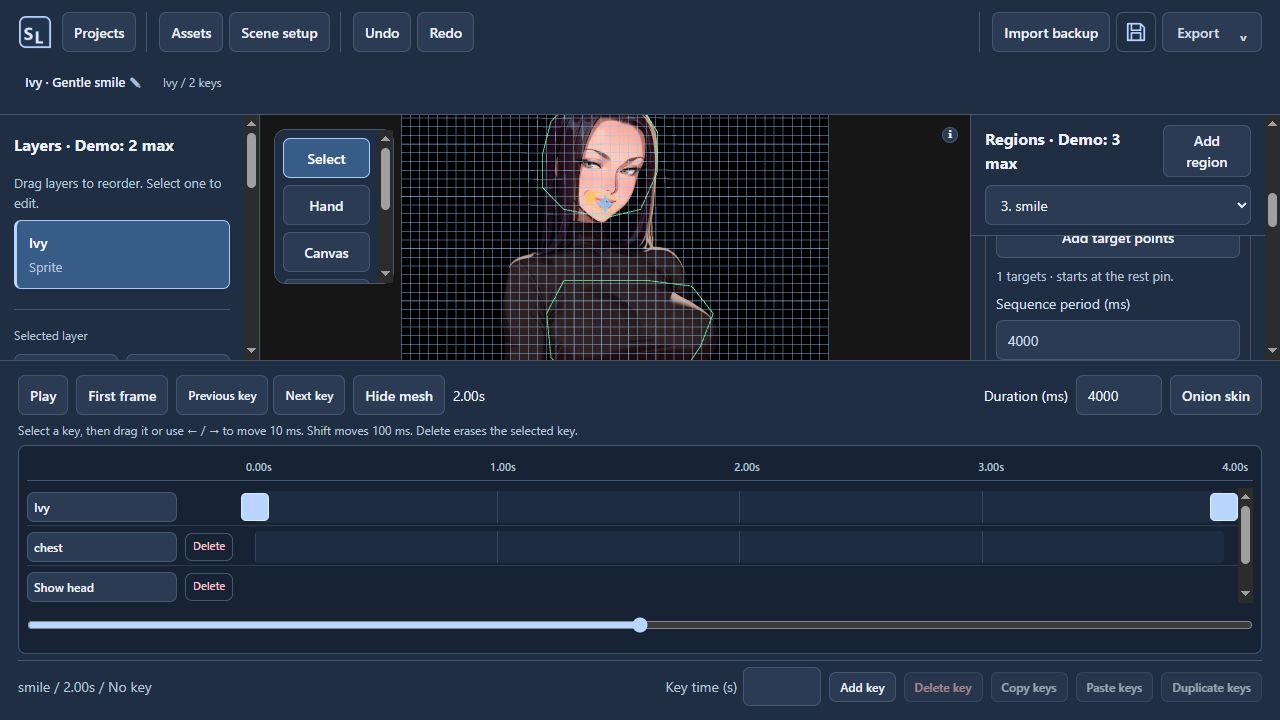
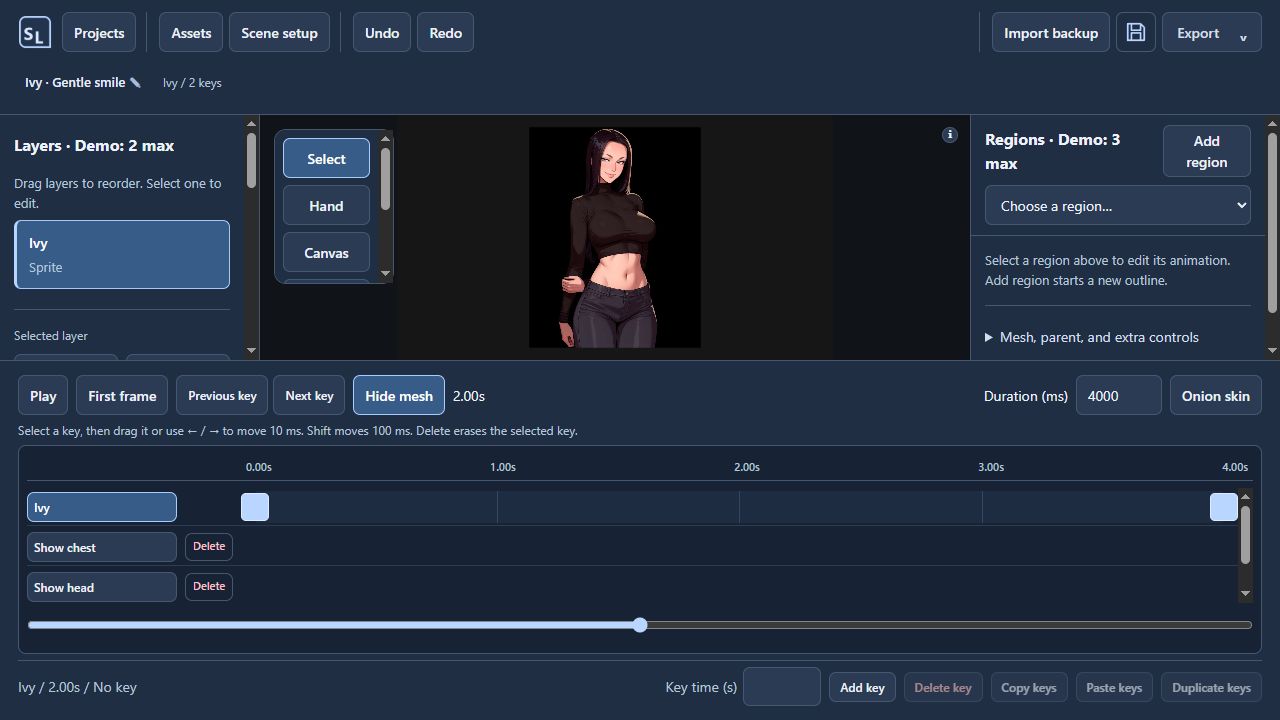
Sprite Lab is a 2D animation tool that turns still artwork into moving scenes. Make a character breathe, sway, nod, or bounce—or shape your own movement with a custom motion path.
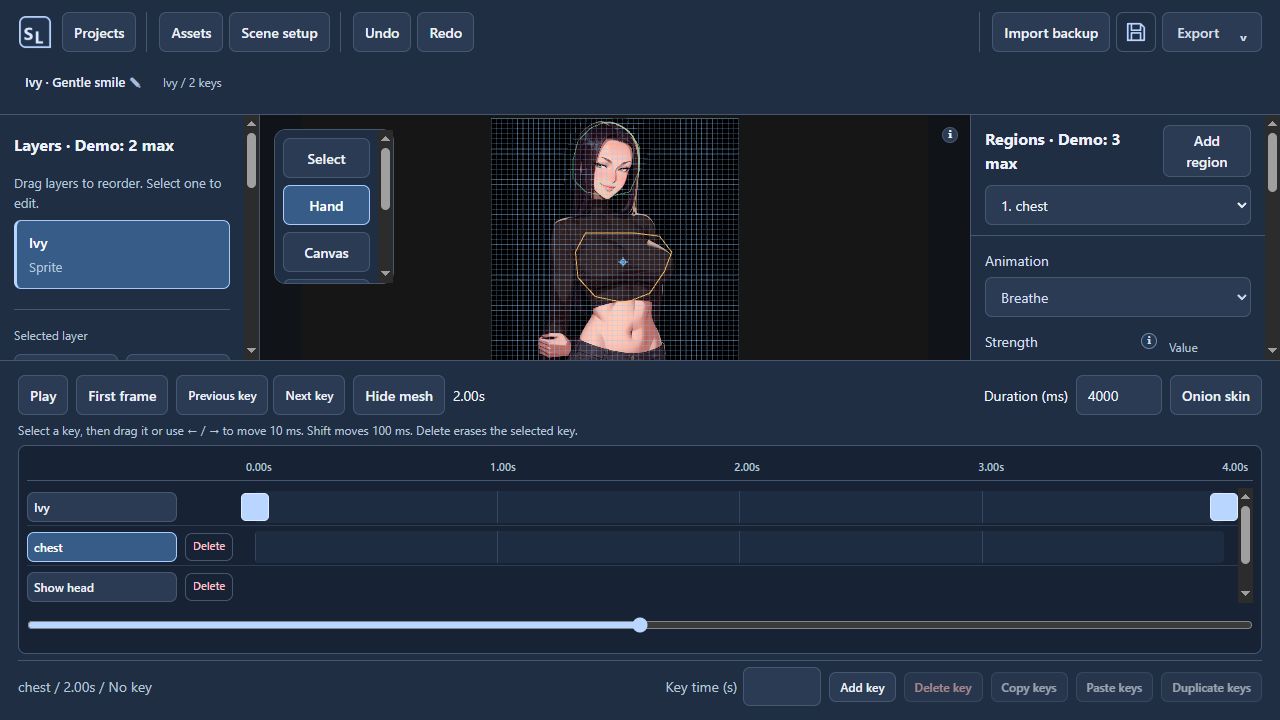
Import your artwork, outline the area you want to animate, and choose how it moves. Fine-tune strength and timing, refine the result with keyframes, and preview your animation as you work.
What you can do
- Animate selected regions with motion presets and precise strength controls.
- Use Preview region to isolate one motion or Preview all to watch the scene.
- Create custom paths with draggable points and curve handles.
- Key layer and region animation independently, with Onion Skin and Undo/Redo.
- Attach separate sprites to a parent layer or animated region, choose their origin, and add secondary swing.
- Join matching edge points to keep cut pieces against their source as it deforms.
- Pan with middle mouse drag, zoom around the cursor, and collapse the layer sidebar for more workspace.
- Import PNG, JPEG, WebP, and visible raster layers from PSD files.
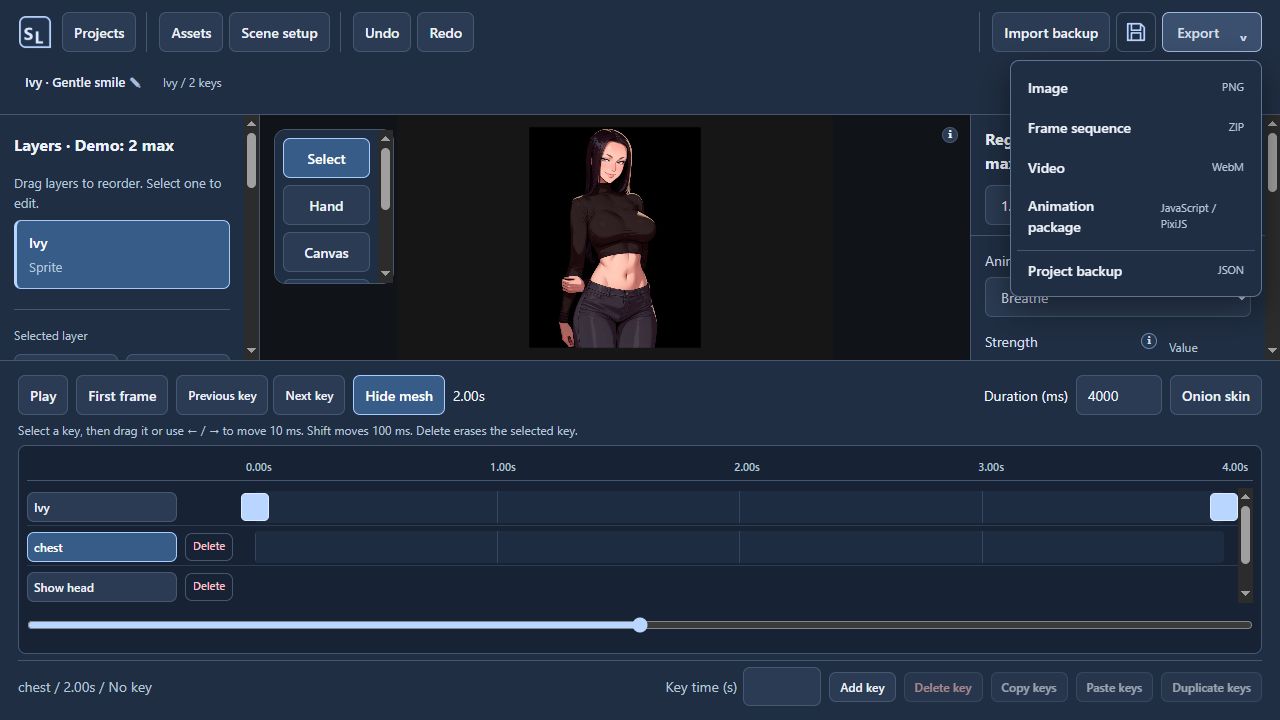
- Export PNG images, frame sequences, WebM video, and JavaScript/PixiJS animation packages.
What’s improved in Demo 16
Strength controls are wider and less sensitive, with exact values and finer adjustments. Compact controls give the canvas and timeline more space.
Parenting is clearer for separate imported sprites, and new PSD imports preserve the relative size and placement of their layers. Timeline editing, undo, selection, and export fixes make the workflow more reliable.
Reimport PSD assets collected in older versions to recover their original layer placement.
Try the demo
The demo includes 3 saved project slots, 2 layers per project, and 3 regions per layer. Exports remain enabled. Background images, hidden layers, and cut pieces count toward the layer limit.
Start with Ivy for region animation, or explore Parenting lab with the Clerk. The Clerk example uses a gently animated body and a separate ticket that follows its parent and tilts around its grip. Compare attached and independent movement to understand parenting.
Getting started
Download and extract SpriteLab-Demo-0.1.0-demo.16-windows-x64.zip, then run Sprite Lab.exe. Keep the extracted files together.
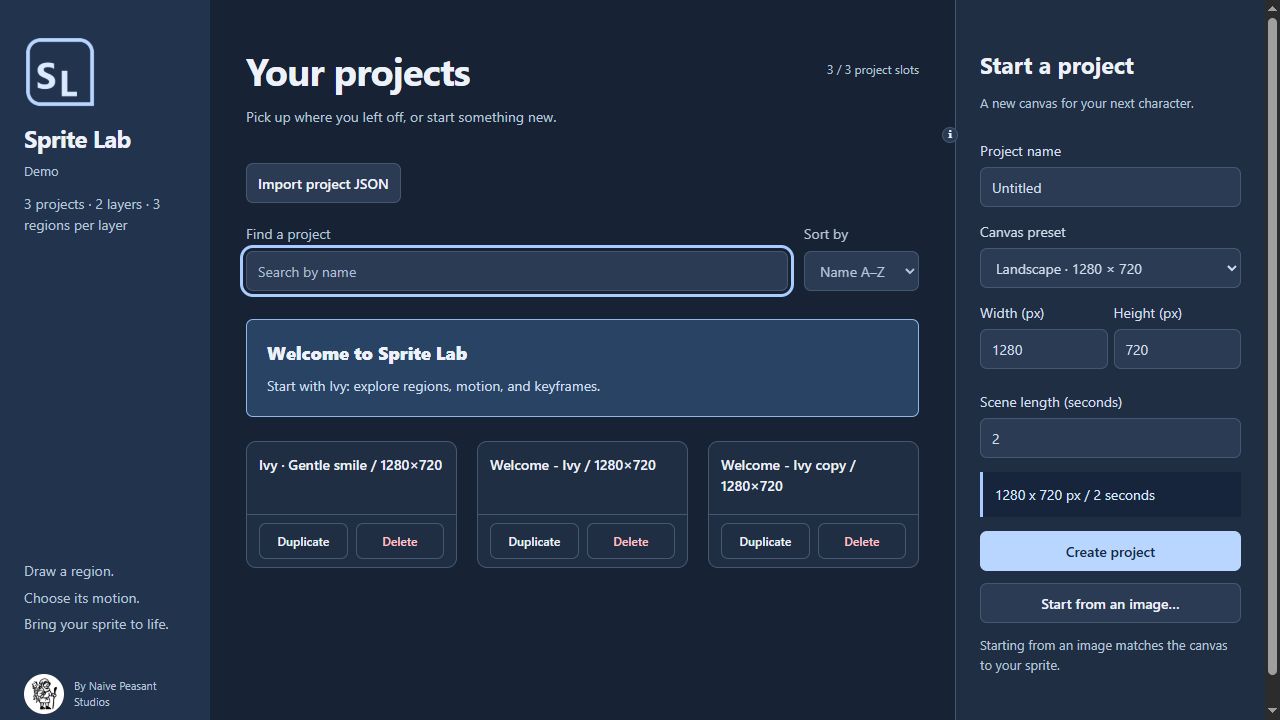
Projects save on your device. Use Export → Project backup to keep a portable copy with your artwork included.
Help shape Sprite Lab
This is an early demo. Share what you create and tell us what could work better. When reporting a bug, include your Windows version, demo version 0.1.0-demo.16, and the steps to reproduce it.
Created by Naive Peasant Studios. Development uses AI-assisted coding, and promotional artwork is AI-generated. Imported artwork remains the property of its respective owners.
Archive from Demo 6:
Download
Click download now to get access to the following files:
Development log
Comments
Log in with itch.io to leave a comment.
A page-based suggestion for Demo 16: a short Clerk clip with the ticket attached versus independent would make the parenting example easier to compare before downloading. Show the parent selection and the Play action, with a caption that Preview region / Preview all keep the timeline paused. That would connect the new controls to one visible result. I haven't run the Windows demo.
Thank you, I'm setting a video for the last update.
The Video tutorial is now on the page, thank you!
I think this application has tremendous potential. I say this as someone who has tried for a while to find a good program that can subtly animate idle poses and body movements like this that isn't either incredibly expensive or extremely complicated. I've been fiddling with this program for a while and really appreciate the niche it fills and what it can output in such a quick and easy timeframe.
It has some noticeable quality of life exclusions as well as some very strange UI choices, but as it is still in its infancy I have confidence a lot of my problems can be fixed.1. Animation Strength Slider: The slider controlling the strength of the selected animation on a given body part is way too small and way too sensitive for such a crucial part of the program, especially with having it be so tucked away in the corner. It's the star feature this program offers and it should be much more present and wider when fine tuning the motion of any specific region.
2. Navigation and manipulation: It's a bit clunkier and slower than it should be to move around the canvas and move the assets of the scene. Having it so the user wouldn't have to switch between select tool and hand tool would go a long way. Having the middle mouse button be exclusively the input for canvas navigation (scrolling and holding) would help out a lot.
3. Parenting?: Maybe I am still too green with the program, but after spending a non inconsiderable amount of time with it I cannot for the life of me to get the parenting mechanic to work. While there are some mechanics that are clearly still a work in progress, the parenting mechanic is a extremely important one. Same with the physics section but I'm willing to admit that is less the mechanic not working it and me not understanding how it actually works.
I am a exceptional fan of what this program can offer and I look forward to seeing how it updates and what changes about it in the future!
Thank you so much for the feedback, I start using this for a pixijs game I'm making,
and then decide to port the animation feature to a single app, I will review your comments and see what I can improve.
Cheers
Corrections have been made, with some of your feedback in mind.
The thing with parenting, is that it works it different sprites and not in regions in the same sprite. maybe that was the mistake, that on the ui it was available in the sidebar and it would not work.